Add a Santa Hat to Your Photo
Upload a photo, choose a hat and download. Free, private and ready for Christmas.
Your photo is processed in your browser and never uploaded.
How to add a Santa hat to a photo
Putting a Santa hat on a picture takes three quick steps. No app, no sign-up and no watermark on your Santa hat photo.
- 1
Upload your photo
Choose a selfie, a couple’s photo or a group portrait. For a rectangular photo, adjust the square crop before adding hats. Clear, front-facing faces work best.
- 2
Pick a Santa hat
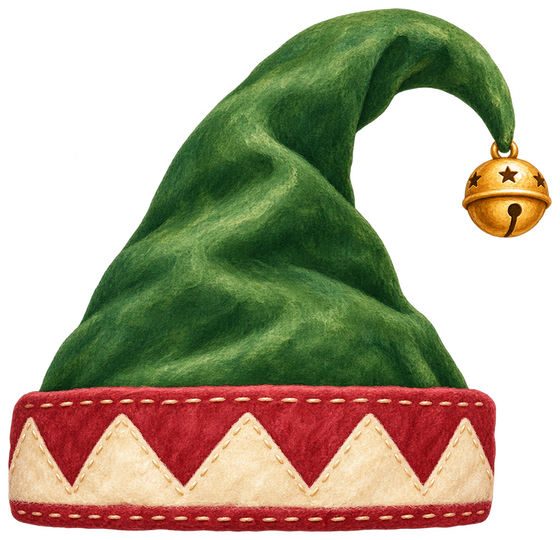
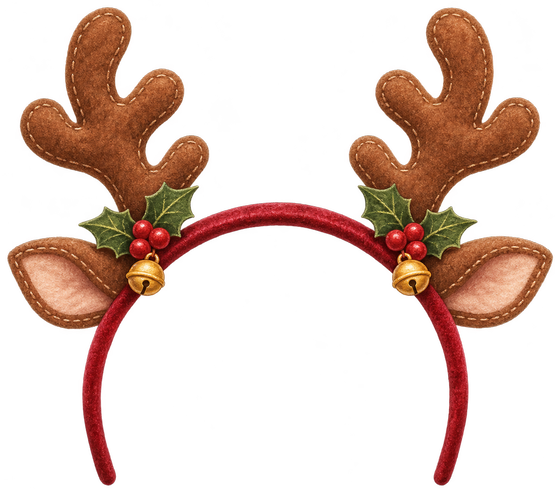
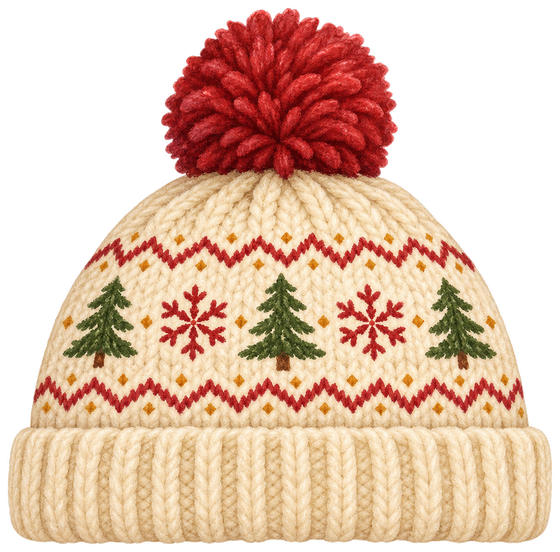
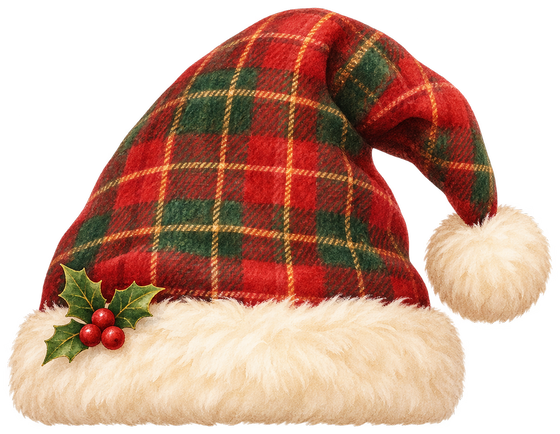
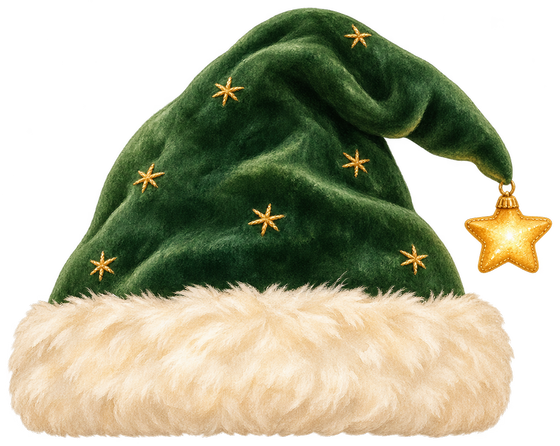
Try the classic red Santa hat, an elf hat, reindeer antlers, a knit beanie, a tartan Santa hat or a starry green Santa hat.
- 3
Adjust and download
Tap a hat to move, resize or rotate it. Use + to add another hat for a friend, then download a square 1080 × 1080 PNG.
Free Santa hat PNG with transparent background
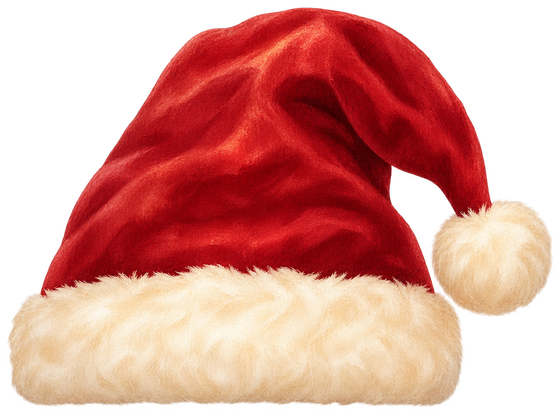
Need a Santa hat PNG for your own design? Every hat is hand-painted for this Santa hat maker and available as a transparent PNG. Use them in Canva, Photoshop, slides, stickers or video thumbnails.
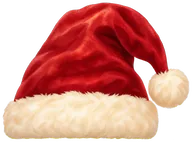
Classic Santa hat
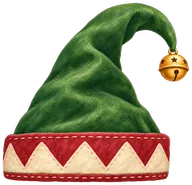
Elf hat
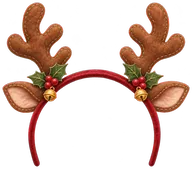
Reindeer antlers
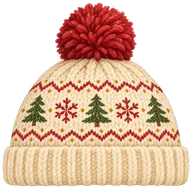
Knit Christmas beanie
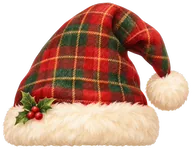
Tartan Santa hat
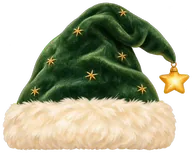
Starry green Santa hat
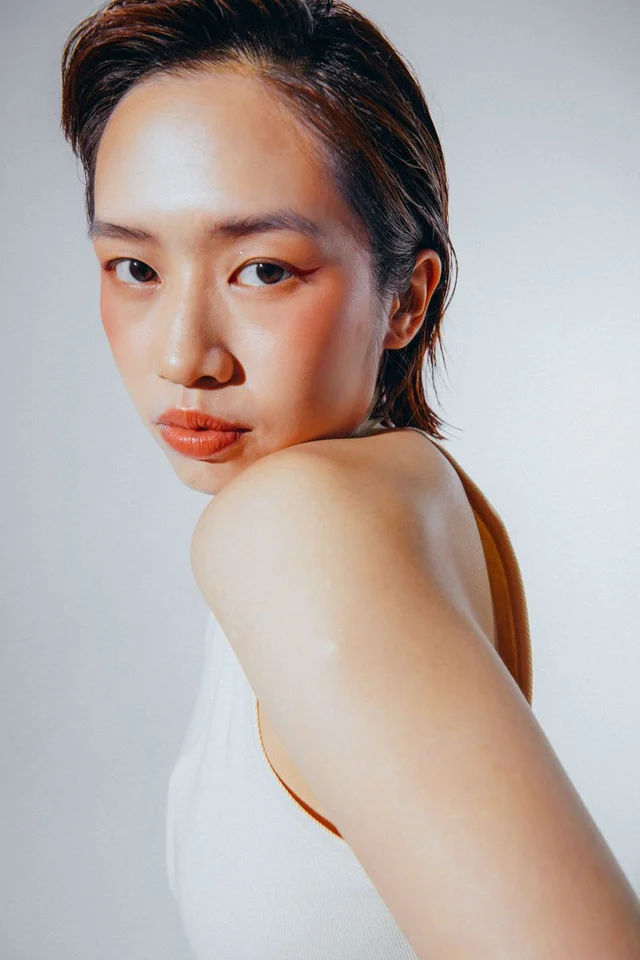
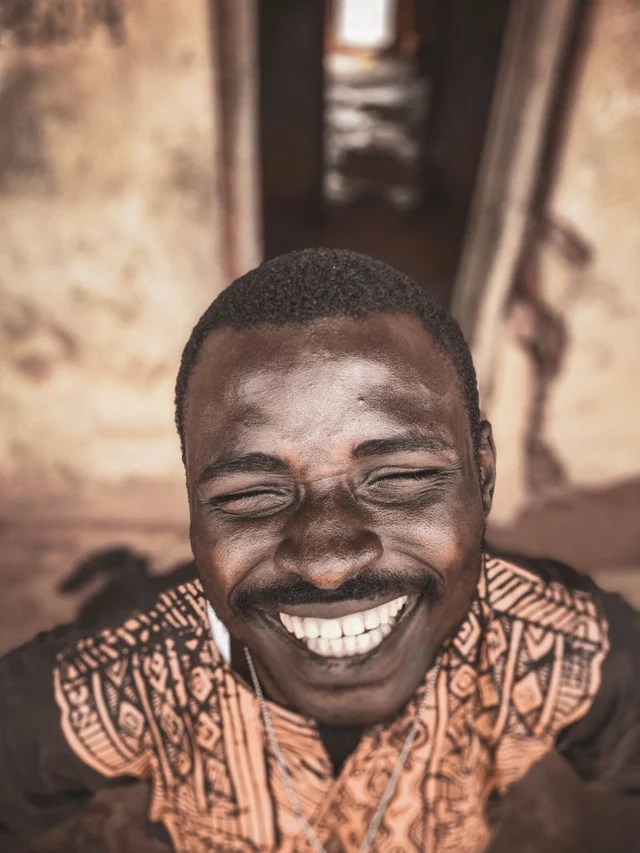
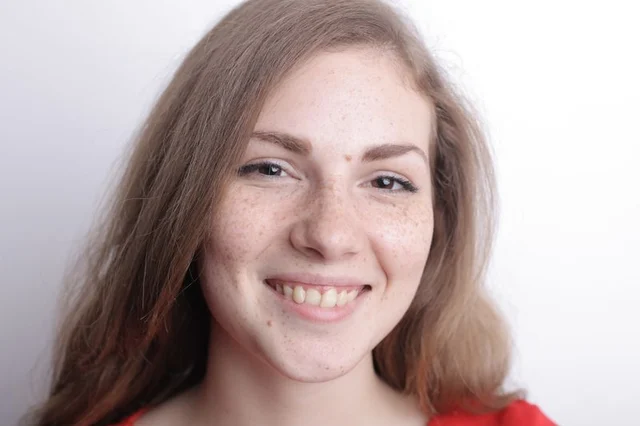
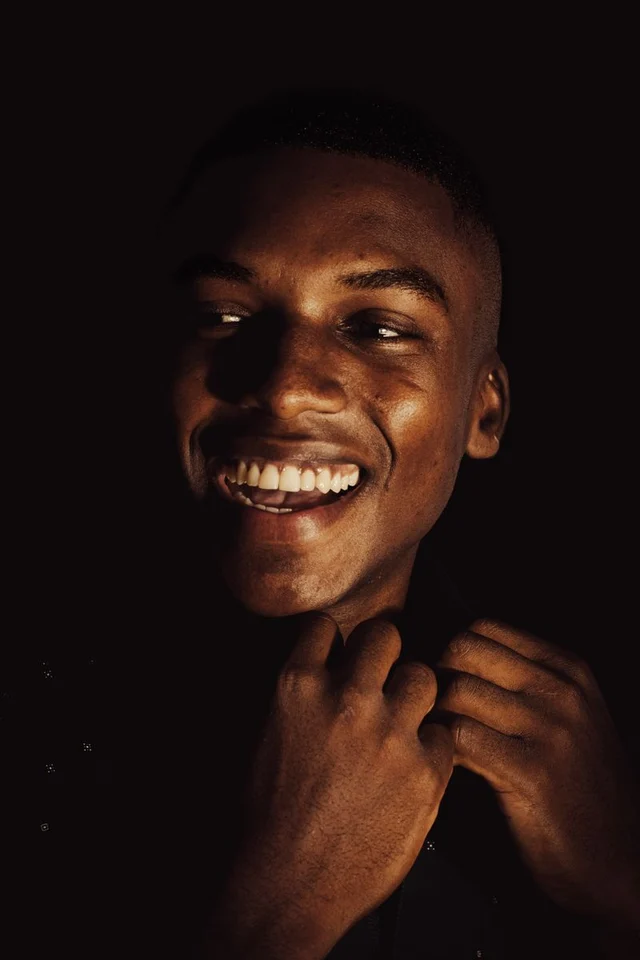
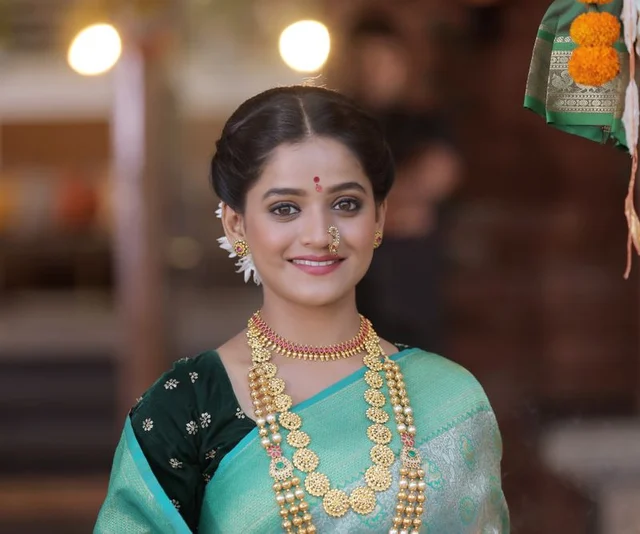
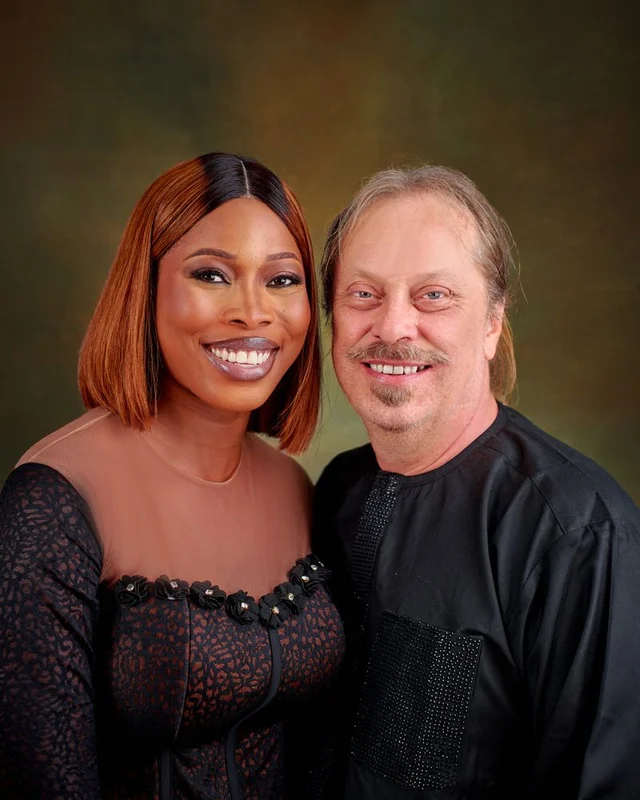
Santa hat profile picture ideas for Christmas
A Santa hat PFP is the easiest way to show you are in the holiday spirit. Update your Instagram, TikTok, WhatsApp, Discord, Slack or X profile picture with a Santa hat and switch back after the holidays.
Make matching Christmas portraits for couples, friends and family. Each person can wear a different hat — tap a hat to edit just that one, or use + to add another. Pet and mascot photos work with manual placement too.
Santa hat photo FAQ
Everything you need to know about adding a Santa hat to your photo.
Is this Santa hat maker free?
Yes. Adding a Santa hat to your photo, downloading the result and downloading every Santa hat PNG is free. There is no sign-up and no watermark.
Do you upload or store my photo?
No. Your photo is opened and edited inside your browser. Face detection runs on your device, and the Santa hat photo is created locally, so we never receive the image.
How does the automatic Santa hat placement work?
On devices that can run it smoothly, a small face detection model is loaded in your browser to find faces and fit a Santa hat to each person. Tap a hat to change its style or adjust it independently. On older or low-power devices it is skipped and you place the Santa hat by hand.
Can I add hats to a couple or group photo?
Yes. Detected faces get their own hats automatically. Use + in the same toolbar to add more, tap the hat you want to edit, and use the bin button to remove it. Each hat can have its own style, size and angle.
Why wasn’t my face detected?
Side profiles, very small faces, heavy shadows, cartoons and pets may not be recognized. Just drag the Santa hat onto the head, then use the corner handles to resize or rotate it.
Can I download a Santa hat PNG with a transparent background?
Yes. Scroll to the Santa hat PNG section and download any hat as a transparent PNG to use in your own edits.
What size is the Santa hat profile picture?
Downloads are 1080 × 1080 pixel PNG images, which fit Instagram, TikTok, WhatsApp, Facebook, Discord and most other profile pictures.
Does it work on iPhone and Android?
Yes. The Santa hat editor works in modern mobile and desktop browsers. On phones you can drag with one finger and pinch with two to resize and rotate the Santa hat.
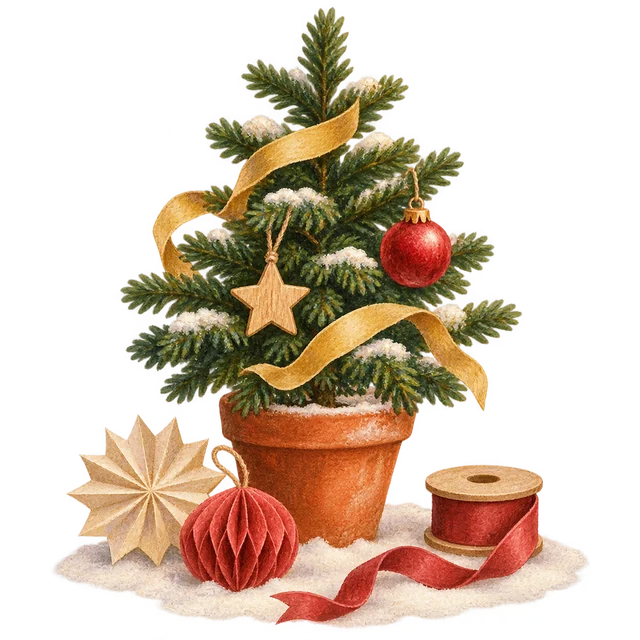
Santa hat on? Now decorate a Christmas tree
Create a free Christmas tree, share the link and let friends hang wishes on it. Every message stays sealed until Christmas Day.