
Friends Can't Send a Wish to Your Tree? 7 Fixes That Work (2026)
Friend can't send a wish on Deco My Tree? Copy your text, open the link in a real browser, switch networks, and check that the owner's "Accepting wishes" switch is on. Full checklist with real screenshots.
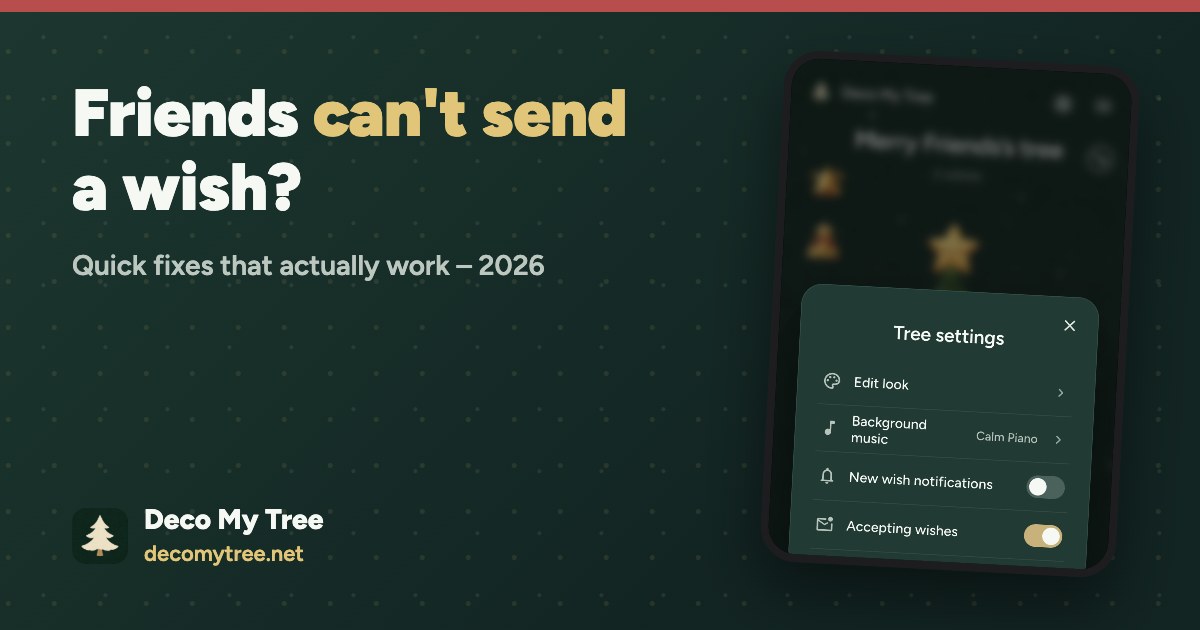
If a friend says they can't send a wish to your Deco My Tree, try these four fixes first. They solve most "can't send" problems:
- Copy the message you wrote so it isn't lost while you retry.
- Open the link in Safari or Chrome, not inside Instagram, TikTok, LINE or another app.
- Switch between Wi-Fi and mobile data and send again.
- Ask the tree owner to check that "Accepting wishes" is on.
Below you'll find a checklist for the person sending, a checklist for the tree owner (with real screenshots), and what to include if you still need help. New to the app? Start with how to use Deco My Tree.
First, save what you wrote
Retrying a few times can wipe the text box. Before you do anything else, long-press the message, select all, copy it and paste it into your notes app. Wishes can be up to 1,000 characters, so if you wrote a long one, this takes ten seconds and saves a lot of frustration.
Can't send a wish? Checklist for the sender
Work through these in order.
1. Are you inside an in-app browser?
Tapping a link inside Instagram, TikTok, LINE or Messenger often opens it in that app's built-in browser. Signing in and sending can get stuck there.
- Use the app's menu (usually the "…" in a corner) and choose Open in Safari or Open in browser.
- Or copy the tree link and paste it into Safari or Chrome.
This is also the first thing to try if you only have trouble with one friend's tree, or if you keep landing back on the sign-in screen after signing in.
2. Switch your connection
A weak connection can stop the upload halfway or show a timeout. If you're on Wi-Fi, turn it off and try mobile data, or the other way round, then send again.
3. Update your browser and phone
Some older iOS and browser versions show an English error bar at the top and refuse to send. Check for updates in Settings. If you can't update right now, try a different browser.
4. Finish the security check
When you send, a short security check may appear to make sure you're not a bot. If you close or leave the page before it finishes, the wish won't go through. Let it complete, then wait a moment.
5. You don't need an account
Friends can write a wish as a guest just by opening the tree link: no sign-up needed. If sign-in won't work, skip it and send as a guest.
6. Voice not sending? Send text first
You can add a voice recording to a wish. If only the voice part fails, check that the browser has microphone permission or try another browser. In a hurry? Send the text alone so your wish is on the tree in time.
7. Is it the real site?
The official site is decomytree.net. Some look-alike sites use similar names, so check the address bar. The safest link is one the owner copied from their own "Share my tree" screen.
Checklist for the tree owner
If almost everyone says they can't send, the cause is usually on the owner's side: a setting or a broken link.
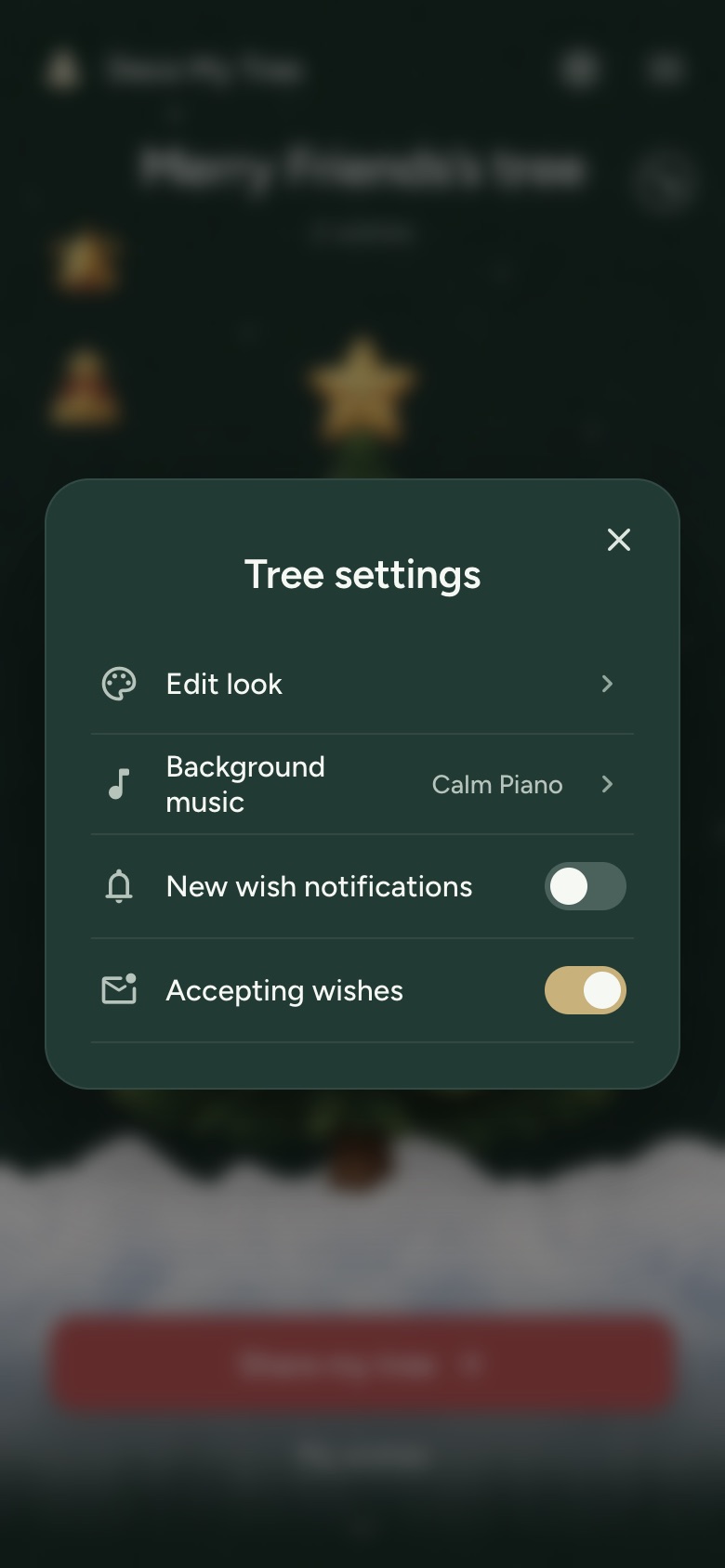
Is "Accepting wishes" turned on?
Tap the gear icon at the top to open Tree settings. The Accepting wishes switch has to be on for new wishes to arrive. Owners can close their tree early, so make sure it wasn't switched off by accident.
Share the link again
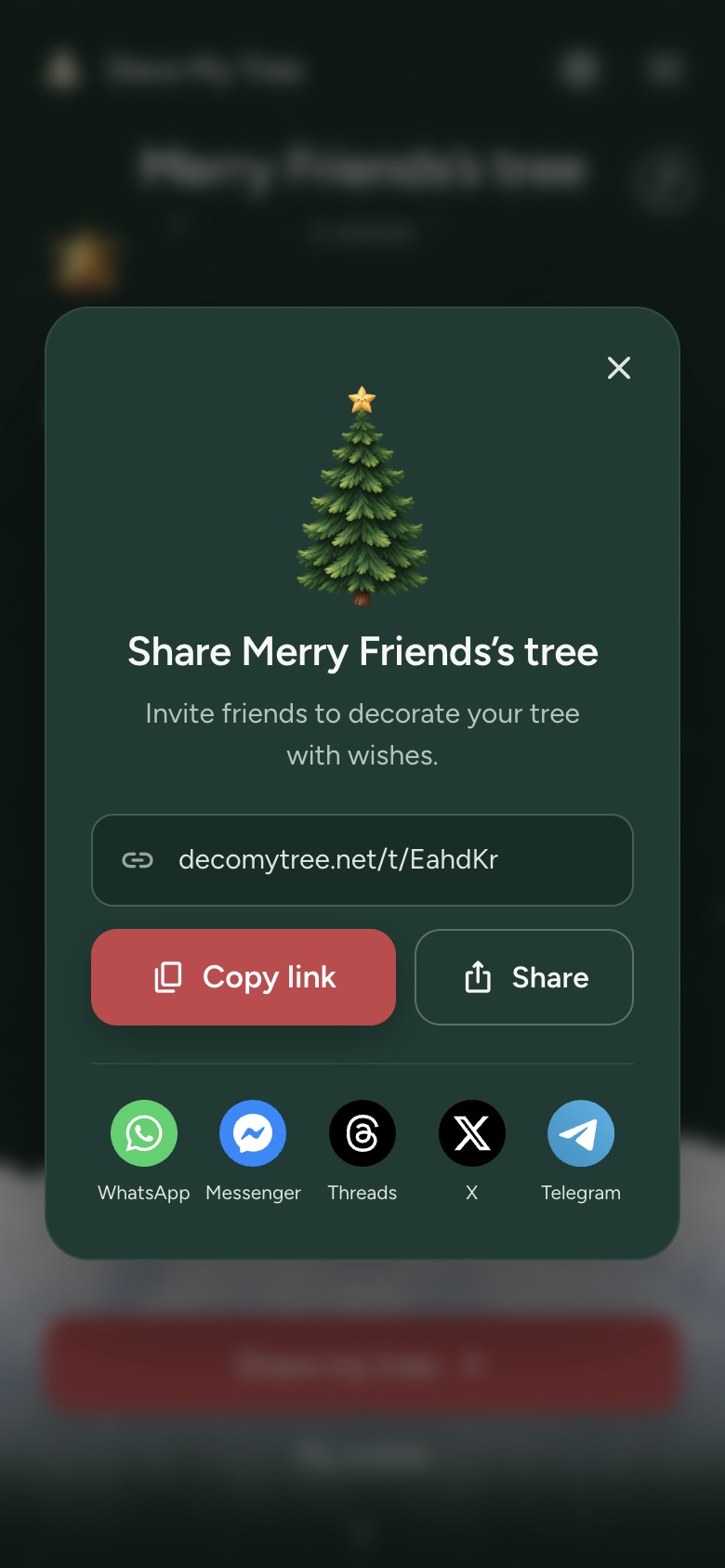
A link with a missing character, or one typed from a screenshot, will open the wrong page. Tap Share my tree under your tree, then Copy link, and send that exact link. You can also share straight to WhatsApp, Messenger, Threads, X or Telegram, or use your phone's share sheet.
Has the tree closed?
Wishes can be hung until January 1, 2027. If the owner closed the tree early in settings, it stops taking wishes from that moment.
Still stuck? Send us feedback
If nothing above works, tap Feedback at the bottom of the site and tell us:
- the exact error text (a screenshot is fine)
- where it stopped: writing, choosing an ornament, or sending
- your phone model and browser (Safari, Chrome, inside Instagram, etc.)
- the link of the tree you were sending to
Hide the wish text, phone numbers and other personal details in screenshots, and never send a password or verification code.
FAQ
All my friends say they can't send. Is my tree broken? Check that Accepting wishes is on in Tree settings, then share a freshly copied link. If it still fails, ask friends to open the link in a real browser like Safari or Chrome.
How do I know if my wish was sent? The person who wrote a wish can always read it. If your ornament is hanging on the tree, it went through.
I sent the same wish twice. Can I delete one? Yes. Sign in with the same account you used to send it, and you can delete your wish and write it again. See how to delete a wish or change who can see it.
Can friends still send after December 25? Yes, until January 1, 2027, unless the owner closes the tree early. Owners open their wishes from December 25, so sending before then gets the best reaction.
I don't know what to write. Borrow a line from our Christmas card messages or Christmas message examples.
Wish sent? Make your own tree next
Once your wish is on a friend's tree, collect some for yourself. Make a tree for free, share your link, and open everyone's wishes together on December 25. While you wait, check the Christmas countdown, add a Santa hat to your photo, or challenge friends with a quiz about you on Quiz My Tree.